
XCodes IPTV Setup Guide — Install on Any Device in Minutes
XCodes IPTV is compatible with all devices. Works on Smart TV, Firestick, iPhone, Android, and Windows PC. Pick your device below and follow the guide — most users are streaming in under 5 minutes.
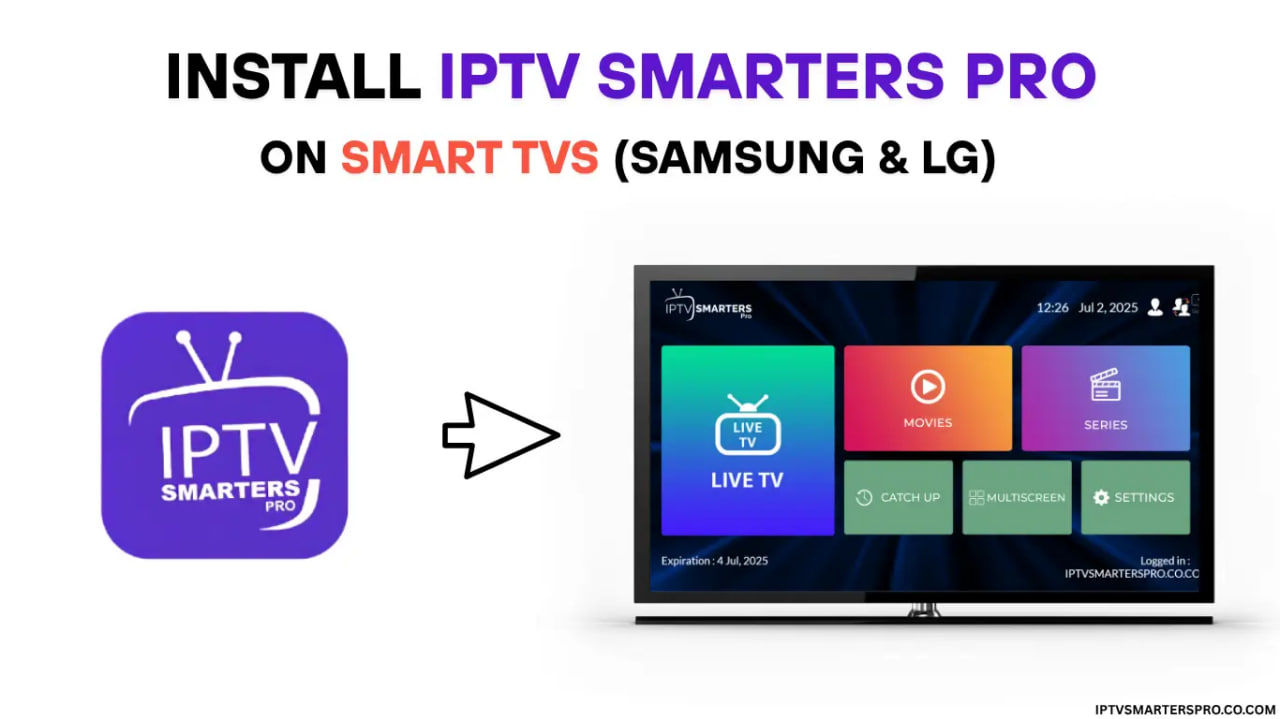
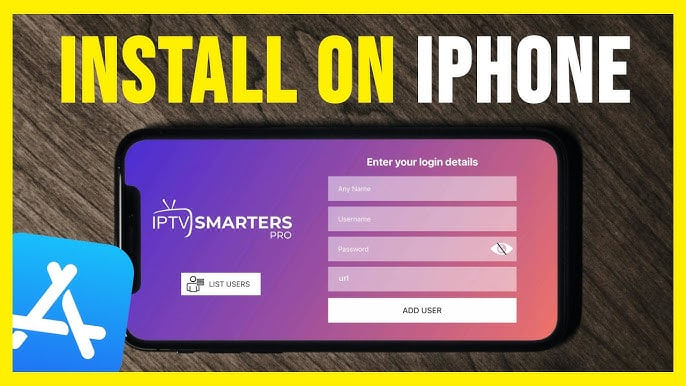
3 Steps That Work on Every Device
The same process works whether you are on a Smart TV, iPhone, Android, Firestick, or Windows PC.
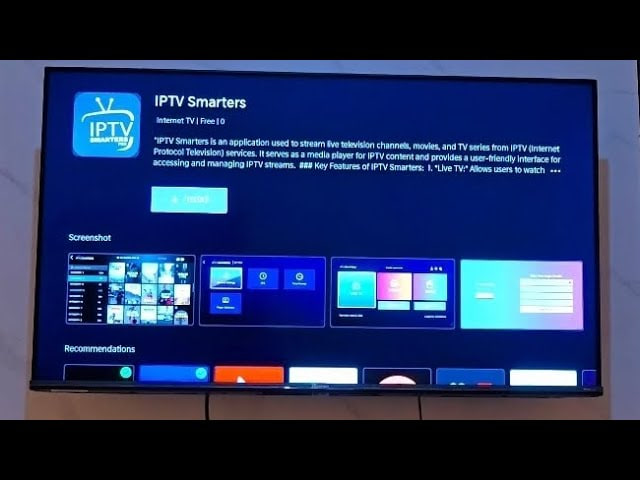
Download IPTV Smarters Pro from your app store
Search for IPTV Smarters Pro in the App Store, Play Store, or your Smart TV's store. Install the free app — no account needed.
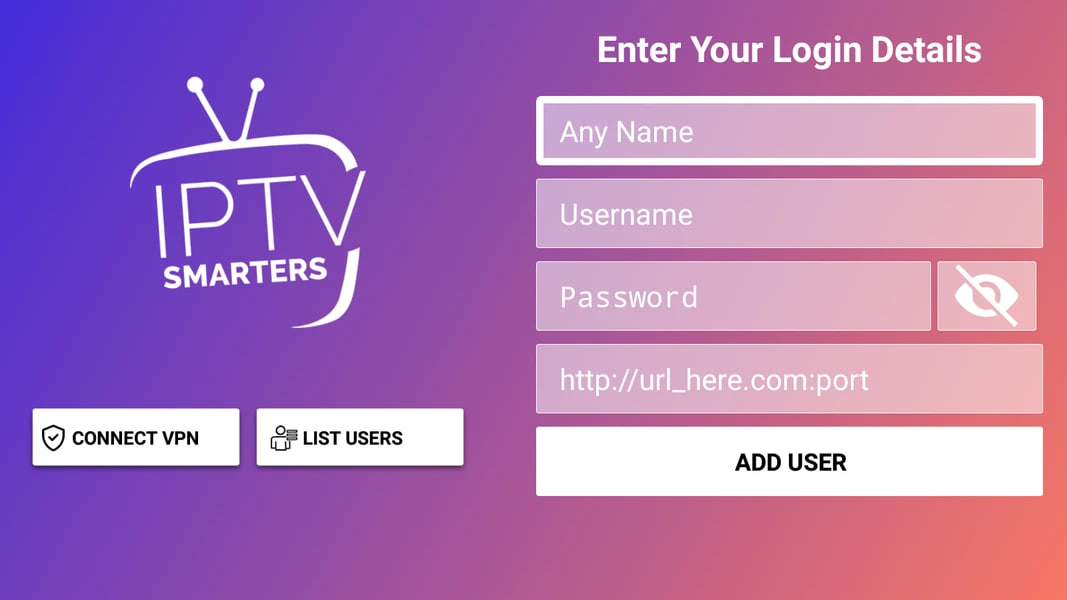
Enter your XCodes IPTV login details
Open the app, select Xtream Codes login, then paste in the username, password, and server URL from your XCodes IPTV welcome message.
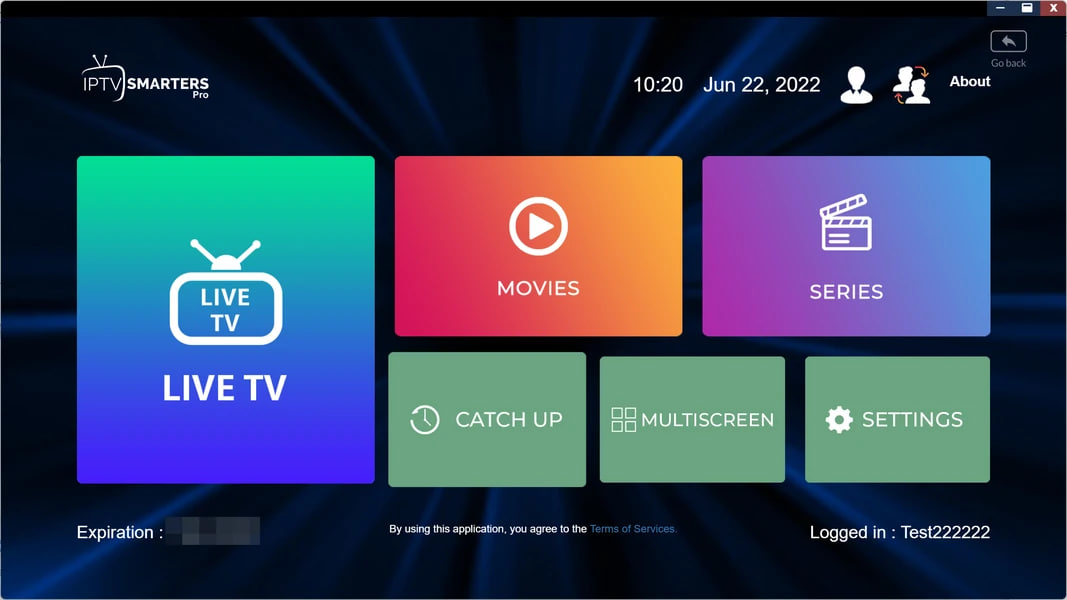
Tap Add User and start watching
Hit Add User. Your full channel library — 20,000+ live channels, movies, series, and PPV — loads in seconds.
Compatible IPTV Players
XCodes IPTV works with any M3U-compatible player. These four are the most reliable across devices.
TiViMate
Best for Android TV & Firestick
IPTV Smarters Pro
Cross-platform, full EPG support
GSE Player
Top pick for iOS and Apple TV
VLC
Free, open-source, all platforms
Setup FAQ
Which IPTV player should I use?
IPTV Smarters Pro is the easiest — it runs on Smart TV, Android, iOS, Firestick, and Windows with no extra config. TiViMate is the better pick if you are on a Firestick or Android TV box and want a cleaner EPG.
How long does setup take?
Most users finish in 3–5 minutes. The longest step is the app download — once it is installed, adding your credentials takes under a minute.
Can I install on multiple devices?
You can install the app on as many devices as you want. One subscription supports up to 2 simultaneous streams.
I entered my credentials but the app shows an error. What now?
Double-check the server URL — it must include http:// or https:// and no trailing slash. If the error persists, message us on WhatsApp and we will sort it in minutes.