
Buyer's Guide · 9 min read
How to Choose an IPTV Service: 7 Things That Matter
Most IPTV providers make the same promises. Thousands of channels. Crystal-clear 4K. Zero buffering. The problem is they all say this — including the ones that crash during a Champions League penalty shootout.
These 7 criteria cut through the marketing. They are not about feature lists. They are about what actually breaks when you need it most.
1. Server Uptime — The Only Number That Matters
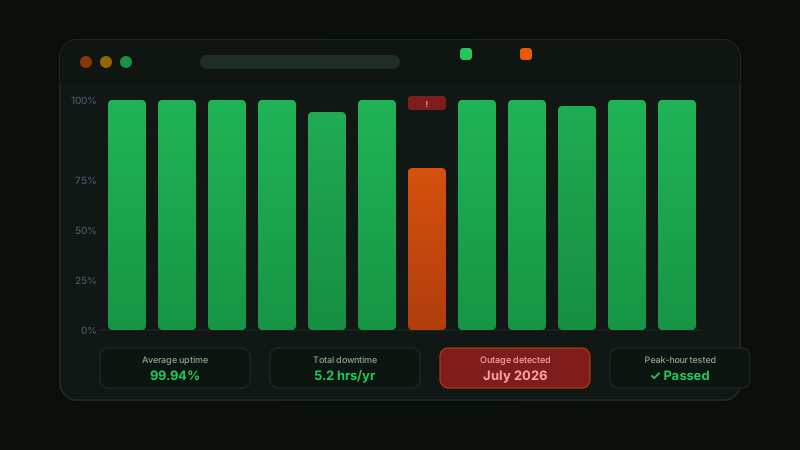
A provider with 99% uptime loses about 87 hours per year. One with 99.9% loses 8.7 hours. That difference sounds small until the outage happens during a live match.
Look for 99.9% minimum — and ask specifically about peak-hour performance between 7–10pm and during major sports events. Anti-Freezing Technology is a real differentiator: compression algorithms that keep streams stable even when server load spikes.
Honest warning: uptime claims are impossible to verify before subscribing. 99.9% is easy to write on a website. The trial period is your only real test — run it during peak evening hours, not at 3am on a Tuesday.
| Uptime | Annual Downtime | Risk Level |
|---|---|---|
| 95% | ~18 days | Unacceptable |
| 99% | ~87 hours | Poor |
| 99.9% | ~8.7 hours | Acceptable |
| 99.99% | ~52 minutes | Excellent |
2. Stream Quality — 4K Means Nothing Without Bitrate
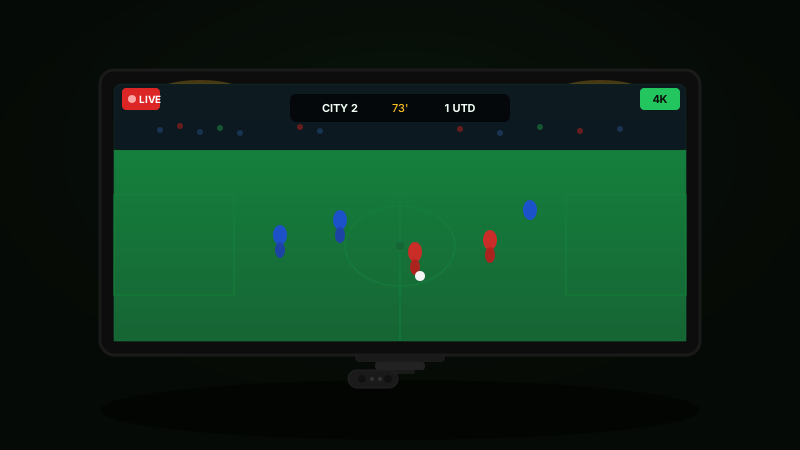
Every provider claims 4K. Real 4K streaming requires 15–25 Mbps per stream. If a provider's infrastructure cannot handle that, you get a compressed mess that looks like someone smeared Vaseline on your TV.
HD 1080p needs 5–8 Mbps per stream. 4K UHD needs 15–25 Mbps. More important than the peak number is whether quality holds during evenings — not at 3am when servers are half-empty.
Channel switching under 3 seconds is the benchmark. Frequent resolution drops mid-stream mean overloaded servers — not your connection. Test your 10–15 most-watched channels during the trial, not a provider demo reel.
3. Channel Count vs Channel Relevance
50,000 channels sounds impressive. If 40,000 are dead links or channels you will never watch, the number is meaningless.
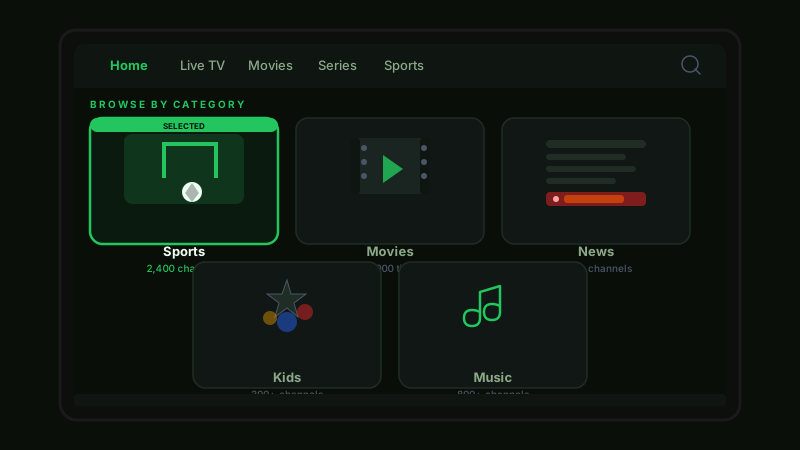
Build a list of your 20 most-watched channels and verify every one loads during the trial. Check live sports specifically — not replays, live matches. VOD library size matters less than update frequency: a library of 100,000 stale titles is worse than 20,000 current ones.
EPG accuracy is another signal. If the guide says one show is on and something else is actually playing, the data is stale. Check our full channel list or browse by category before the trial so you know exactly what to test.
4. Device Compatibility — All Your Screens, Not Just One
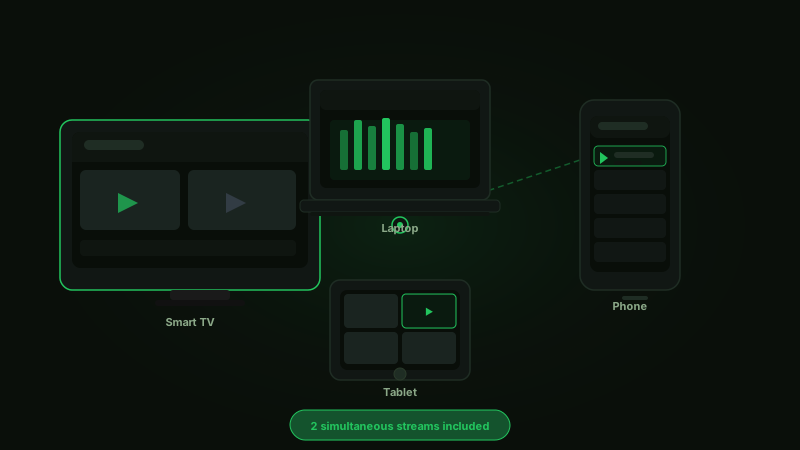
A service that works on Firestick but stutters on your phone is not a full solution. Performance varies significantly between platforms — even on the same provider.
Two simultaneous connections is the minimum for a household. Test every device you own during the trial. A good provider has setup guides for every device without requiring technical knowledge.
- 📺Smart TV (Samsung, LG, Sony)
- 🔥Amazon Firestick / Fire TV
- 📱iPhone & Android
- 💻Windows & Mac
- 📦Android TV Box / MAG Box
Follow the dedicated Firestick guide for step-by-step installation on the most popular streaming device.
5. Customer Support — The Real Reliability Test
Send them a test message before subscribing. The response time tells you everything about how they handle problems at 11pm when your stream dies mid-match.
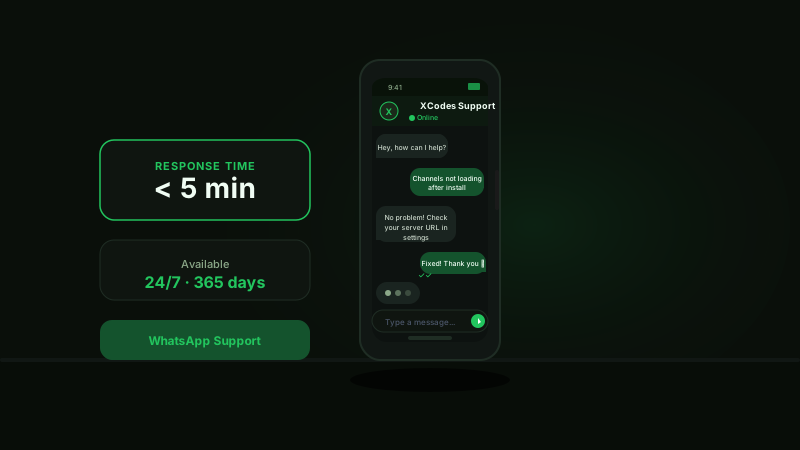
WhatsApp response under 5 minutes is good. Email-only with a 24–48 hour wait is worth avoiding. No visible contact information at all is a red flag — walk away. Live sports fans need 24/7 support because matches do not wait for business hours.
XCodes IPTV averages under 5 minutes on WhatsApp, available 24/7, 365 days a year. Send a test message now — before you commit to anything.
6. Pricing — What Transparency Actually Looks Like
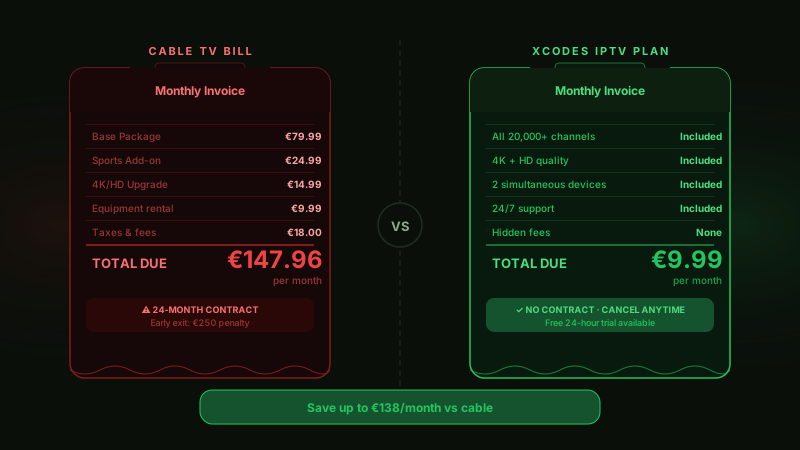
€5/month for 50,000 channels does not add up. Legitimate content licensing costs real money. When the price looks impossible, the service usually is.
Look for fixed pricing with no hidden fees and no cancellation penalties. Crypto-only payments with no refund policy is a red flag. Longer plans offer better value — roughly €5/month on an annual plan is realistic for a legitimate service.
| Plan | XCodes IPTV | Typical Cable |
|---|---|---|
| Monthly cost | ~€10/mo | €80–150/mo |
| Channels | 20,000+ | 100–500 |
| Contract | None | 12–24 months |
| Devices | Multi-device | 1–2 boxes |
| 4K quality | Included | Extra cost |
See our pricing plans — or start a no-risk free trial before paying anything.
7. Free Trial — The Only Real Way to Know
Every provider claims to be the best. A free trial is the only claim that actually means something — it puts their infrastructure on the line, not just on a webpage.
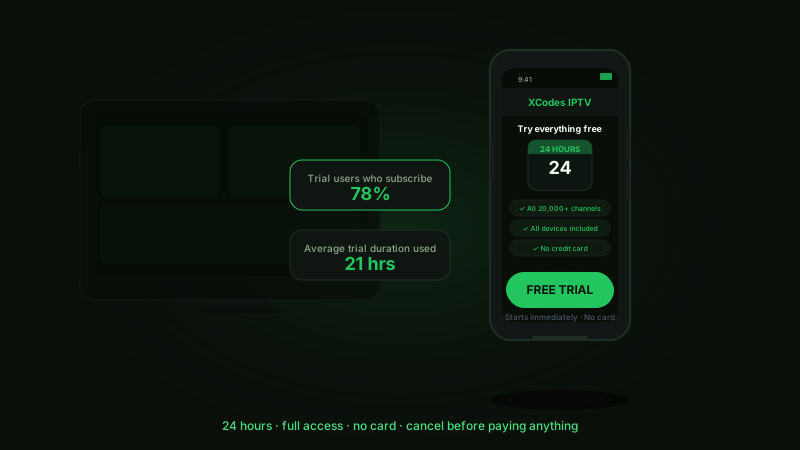
24 hours is enough to test everything. Run your 15–20 most-watched channels during peak evening hours. Time the channel switching. Send one support message. Check every device you own.
Honest note: a provider that does not offer a trial has a reason. Either they know the service will not hold up to scrutiny, or they simply forgot to add it. Either way — always ask before you pay.
The 7-Criteria Checklist
Before committing to any IPTV service, run through this during the free trial:
- ✓Uptime: tested during peak evening hours
- ✓Stream quality: 4K holds at 15+ Mbps
- ✓Your 20 channels: all load reliably
- ✓All your devices: tested individually
- ✓Support: responded in under 5 minutes
- ✓Pricing: transparent, no hidden fees
- ✓Trial: no card, full access provided
If a service fails 2 or more of these — move on. There are better options.
Frequently Asked Questions
What is the most important factor when choosing an IPTV service?
Uptime during peak hours. A service that crashes during live sports or evening primetime is useless regardless of its channel count or 4K claims.
How do I test an IPTV service before buying?
Use the free trial. Test your 20 most-watched channels during evening hours (7–10pm), check stream quality, time channel switching, and send one support message. Claim your 24-hour free trial.
Is a cheaper IPTV service worse?
Not always, but suspicious pricing is a red flag. Real content licensing costs money. Services priced at €2–3/month for 50,000 channels typically cannot sustain that infrastructure.
How many simultaneous connections do I need?
One per person watching at the same time. A household of two people streaming different content needs at least 2 connections. XCodes IPTV supports up to 2 on one subscription.
What should I do if streams buffer constantly?
Test your internet speed first — 25 Mbps minimum for 4K. Switch to wired ethernet if on Wi-Fi. If the problem continues, it is the provider's servers, not your connection. Contact support for a fast diagnosis.
Seven criteria, one free trial, 24 hours. That is all it takes to know whether a service is worth your money.
XCodes IPTV offers a full 24-hour trial — no credit card, no commitment, complete access to every channel and feature.
Start your free trial and run the checklist yourself. Or see our pricing plans if you are ready to commit.